
News / GTA VI
GTA 6 requires a PS5 system update before you can play
Sony confirmed that GTA 6 requires a PS5 system software update. Check version 26.07-14.23.00 and install it before your region unlocks.
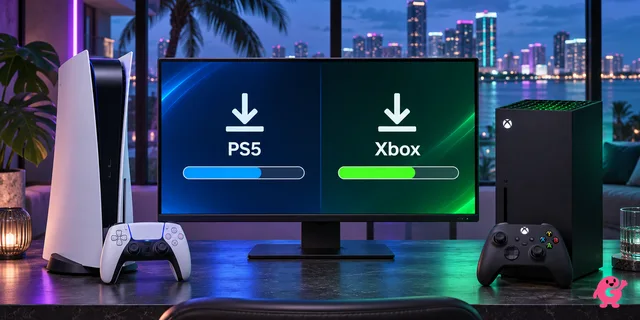
The PS5 needs system software 26.07-14.23.00
PlayStation Support says you need the latest PS5 system software before you can play GTA 6. Sony’s release notes list version 26.07-14.23.00. Check for the update even if you’ve already downloaded the game. The console update and the GTA 6 download appear as separate items in Downloads/Uploads.
The PS5 rollout began at midnight in New Zealand, or 11:00 UTC on November 18. Other regions follow as their storefronts unlock. Check your PlayStation Store countdown if you’re waiting to play.
How to check for the PS5 update
- Open Settings and select System.
- Under System Software, open System Software Update and Settings.
- Select Update System Software if an update is available. Let the installation finish, then open GTA 6 when your store region unlocks.
If GTA 6 still shows a lock
Check the store countdown first. After the regional unlock, confirm that the game and any queued update have finished downloading, and sign in with the account that bought GTA 6 or redeemed the boxed code. PlayStation’s troubleshooting page walks through restoring the license if the game is still locked on that account.