
Essentials / GTA VI
How to reveal the GTA 6 map early and find your first plane
Reveal the GTA 6 map early with a crop duster near Key Lento. Find the first airfield, a backup plane at Watson Bay, and both stops on Gamitu’s map.

A quick way to start revealing the GTA 6 map
Once you can free-roam in Chapter 1, look for a crop duster at the small airfield north of Key Lento. Fly over unexplored land to reveal sections of the map. If the first strip is empty, try Watson Bay Airport farther northwest.
Find your first plane near Key Lento
- On the in-game map, find Key Lento and follow the main road north onto the mainland.
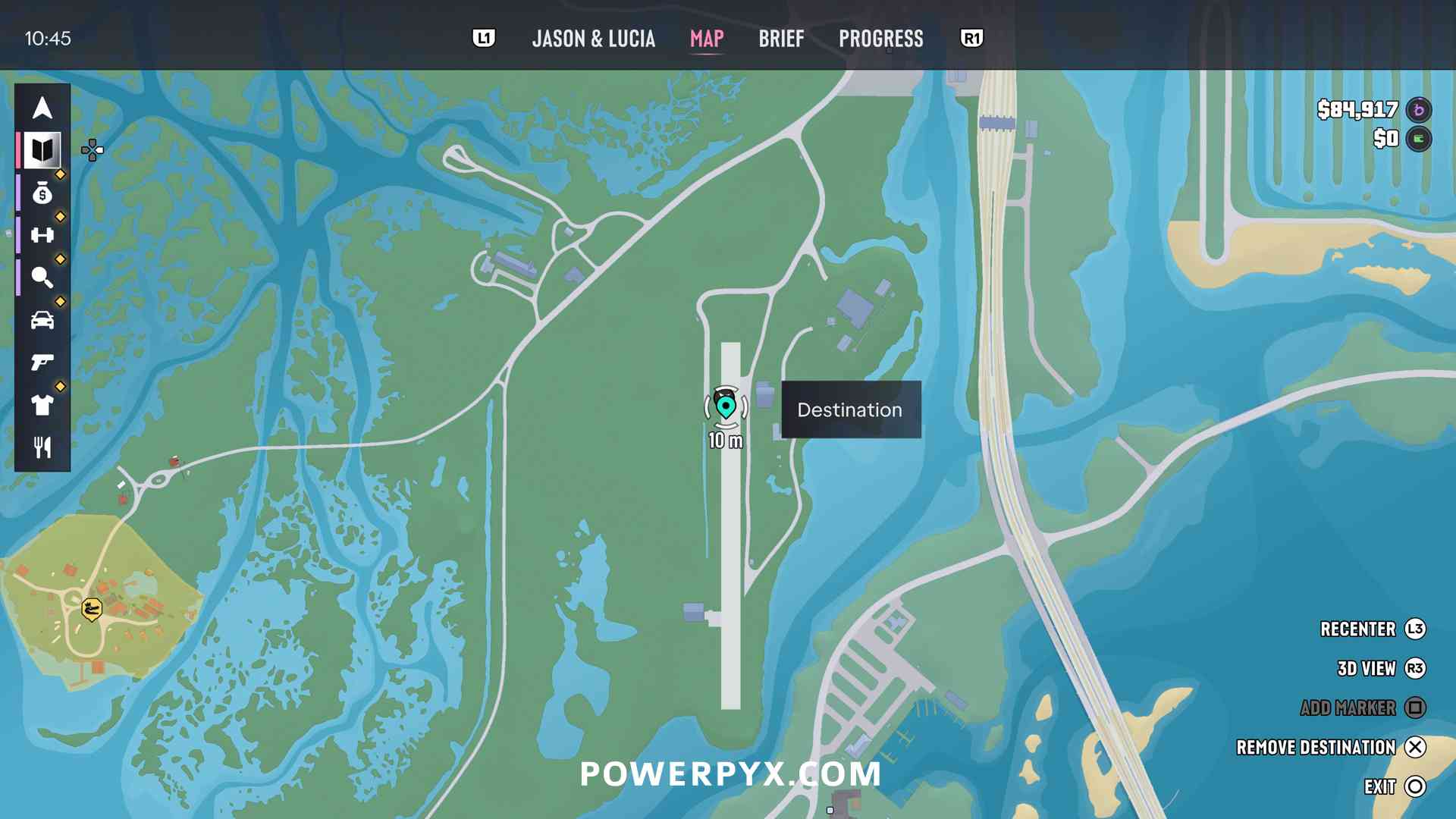
- Set a waypoint at the long north–south runway just west of the mainland road. On Gamitu’s map, search for LTF Airfield. The in-game screenshot below shows which end of the strip to aim for.
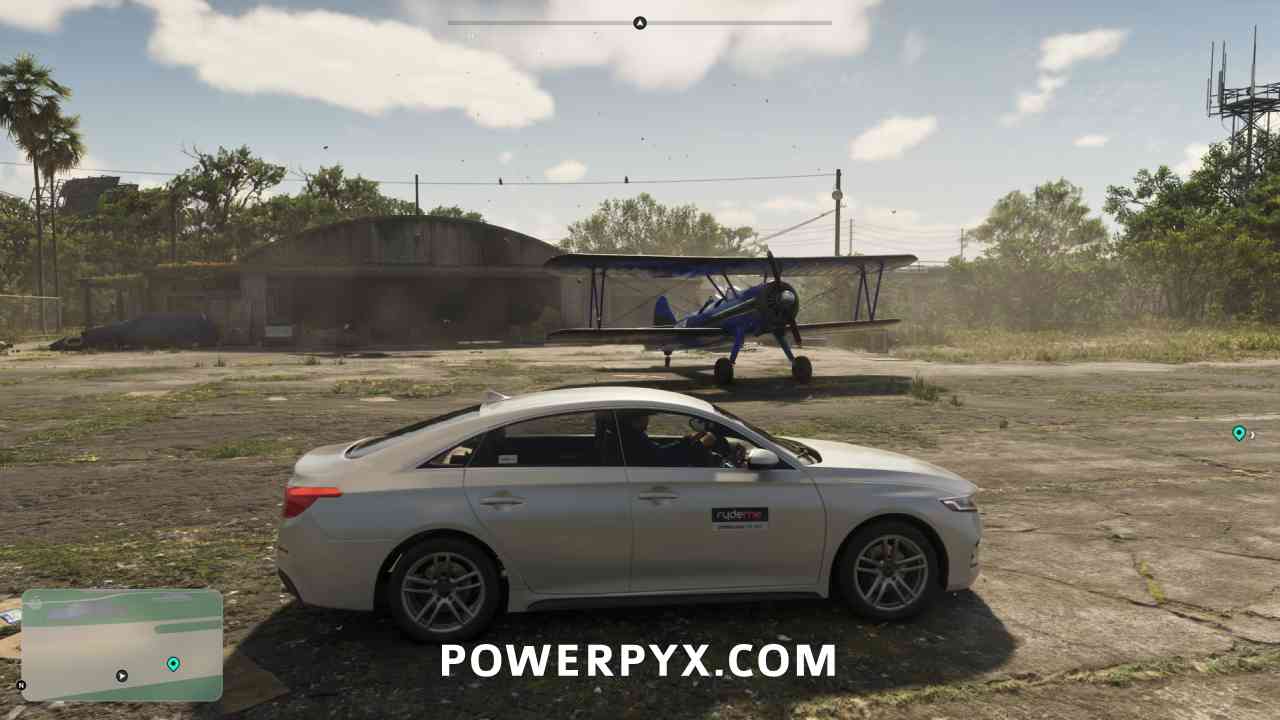
- Follow your GPS to the strip and check the staging area near the low buildings beside the runway. In the launch gameplay capture, the blue biplane is visible from the car.
Try Watson Bay Airport if the first runway is empty
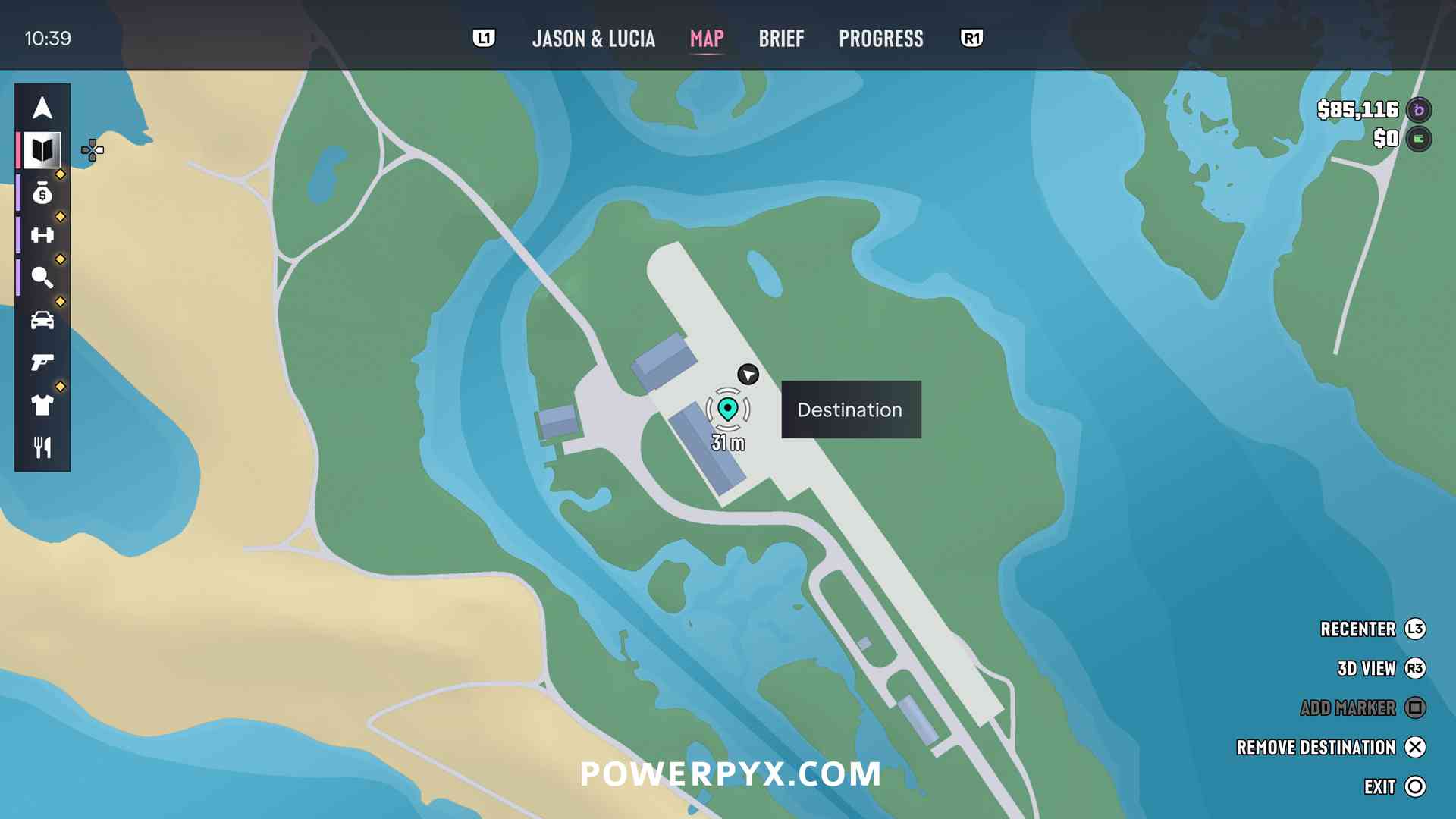
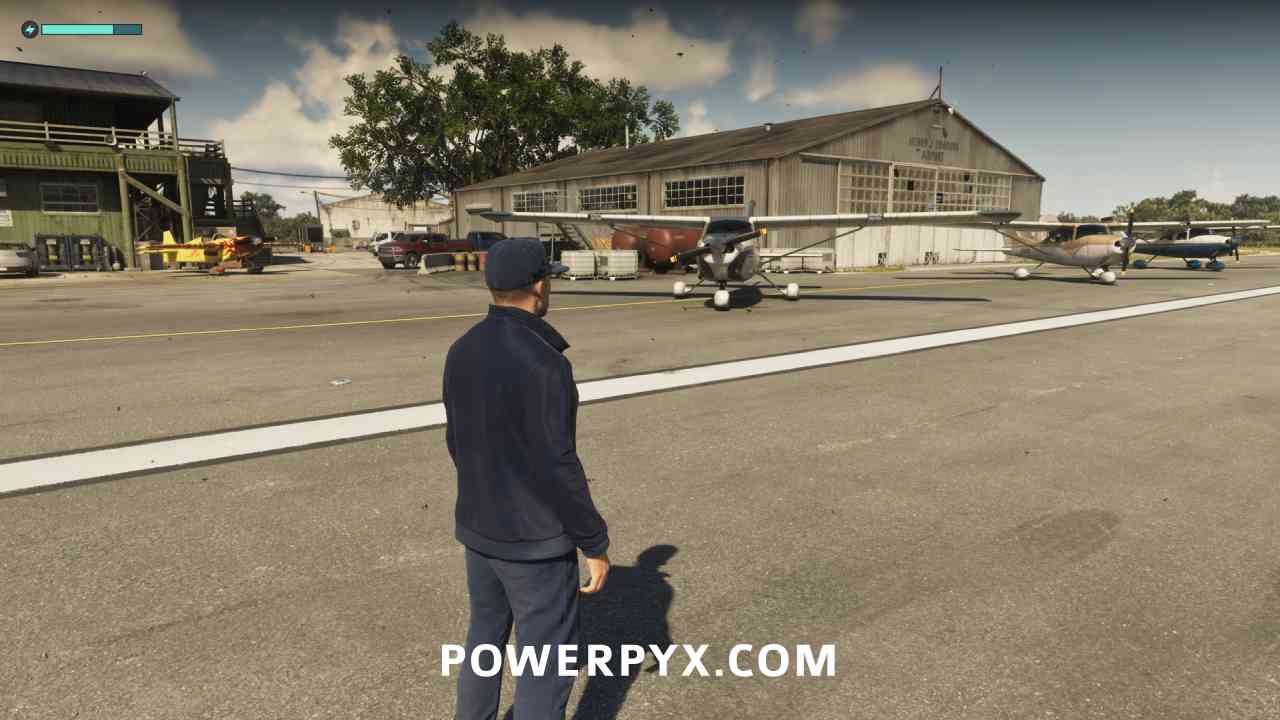
Head northwest along the mainland to the coastal strip by Watson Bay. Search for Watson Bay Airport in Gamitu’s map and compare the diagonal runway with the in-game waypoint below. Check the paved apron beside the hangar. The gameplay capture shows small planes parked there. Aircraft availability can vary.
Fly a route that clears the fog
Clearing exploration fog reveals the terrain you pass over. Story access and mission availability still depend on your progress.
- Start with one area, such as the mainland around the Leonida Keys, and fly over its unexplored stretches.
- Open the in-game map after your first pass. PowerPyx observed that exploration reveals individual sections as you enter them. Turn back over any gaps that are still fogged.
- Watch your fuel and leave enough to land. If you use the fuel gauge, enable it in the UI settings and press Down on the D-pad to bring it up above the minimap.
- When you are back on the ground in free roam, save your progress if the option is available. If you continue north and need another plane, the walkthrough also shows a central Kelly County airstrip.
Find both airfields on Gamitu’s V18 map
Open Search places and enter LTF Airfield for the first stop or Watson Bay Airport for the fallback. Select a result to center the map, then choose Save place to keep it in the Saved tab. Use those pins to plan the flight and your in-game waypoint to navigate the approach.